
 Frontera Guide
Scheduled work
Let an agent run on a schedule and deliver results without you in the loop.
Anything you'd ask an agent every Monday morning, you can schedule instead: a weekly performance summary, a daily queue check, a monthly reconciliation draft.
Create a scheduled task
Open Scheduled in the Chat sidebar and create a task.
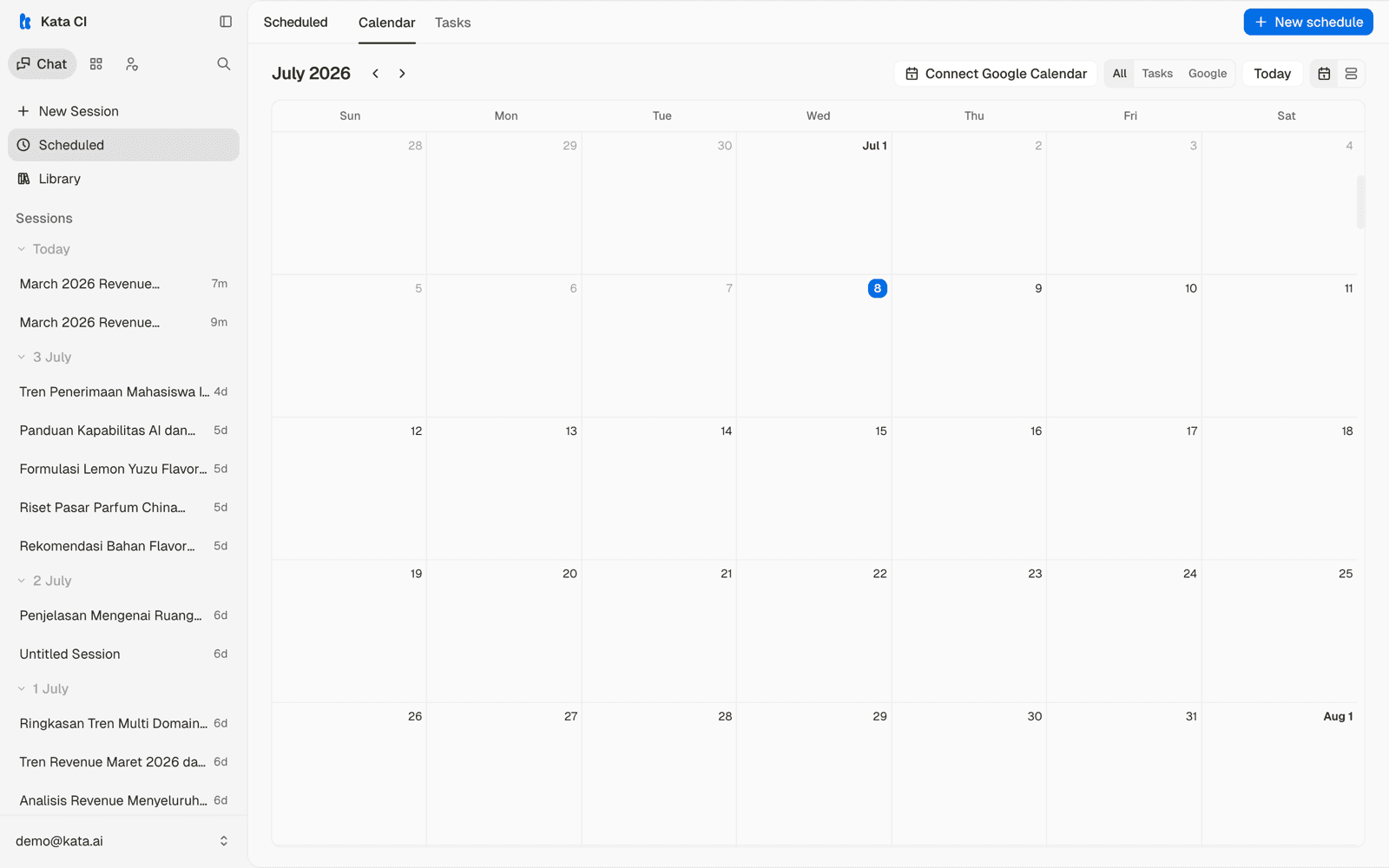
Choose the agent and write the prompt exactly as you would in a normal conversation. Be explicit about the expected output, since you won't be there to steer:
Summarize yesterday's escalations by region. Flag anything open longer than 48 hours. Keep it under one page.
Set the schedule: daily, weekly, monthly, or a custom cron expression, plus the time of day. One-off future runs work too.
What happens on each run
At the scheduled time, the agent runs your prompt as a fresh conversation with its full toolkit: knowledge, connected apps, and its computer where it has one. Each run lands in your session history like any other conversation, so you can read the result, continue the thread with follow-up questions, or rate it.
Managing tasks
- Run now triggers an immediate run without waiting for the schedule. Useful when testing a new prompt.
- Pause stops future runs without deleting the task.
- Run history shows every past run and its outcome, including failures.
A scheduled task keeps running as you wrote it. When you refine the prompt, use Run now once to confirm the output still looks right.