
 Frontera Guide
Apps and tools
Give agents the ability to act, explicitly and under policy.
Tools turn an agent from an advisor into an operator: searching systems, posting messages, reading drives, calling internal APIs. Access is always explicit. An agent gets the capabilities its purpose requires, nothing more.
Connected apps
Your deployment ships an app catalog spanning communication, files, CRM, development, and analytics tools: Slack, Google Drive and Sheets, Salesforce, HubSpot, Notion, GitHub, Jira, BigQuery, Postgres, and dozens more, organized by category under Console → Resources → Apps.
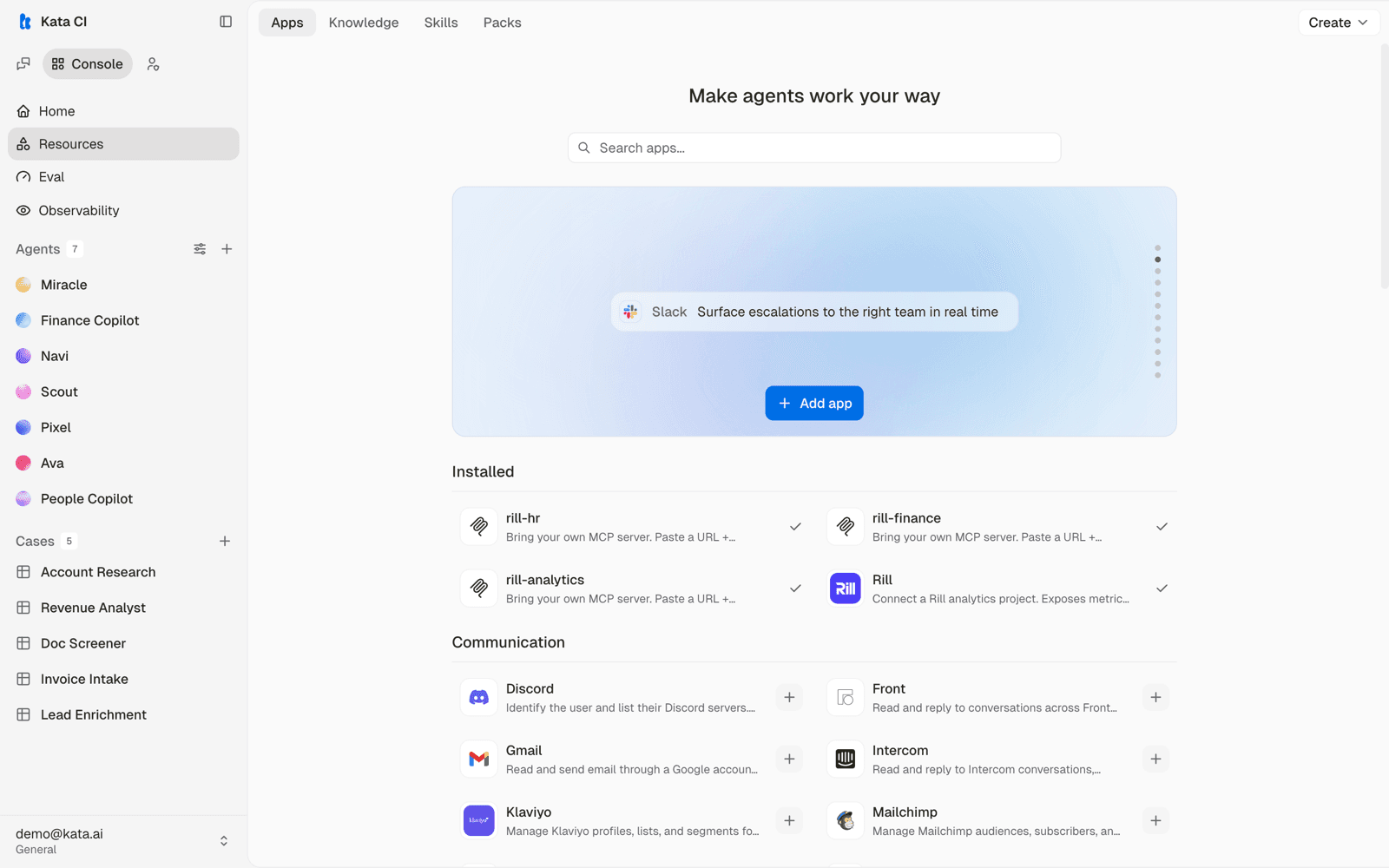
The sequence is short: install the app, set up its sign-in once, bind it to an agent — picking that agent's capabilities and its account mode — then connect the account it uses. What trips people up isn't the steps but who does which part, so start there:
- You run the workspace (admin/owner) → in the Console: set up the app's sign-in once, and add a shared workspace account if agents should act as the team.
- You just want the agent to use your own account (end user) → connect it in chat. Seconds, no Console.
Set up sign-in for an app (workspace owner)
For workspace owners. Do this once per app — then anyone in the workspace can connect their account without touching credentials.
Before anyone can connect, the app needs an OAuth client: the credentials that let Frontera sign users in to the provider (Google, Slack, and so on). It lives in one place — Settings → Secrets — and you set it up once.
Use the Frontera-managed client, if your deployment offers one. Some deployments ship a shared client for common providers. When one exists you connect with no setup at all. Managed clients are read-only — they request read scopes only. For write access (sending mail, editing files), bring your own.
Or bring your own client (BYO). Register an OAuth app in the provider's console, then add its Client ID and Client Secret under Settings → Secrets → Add → OAuth client. Pick the provider, paste the pair, save. Your own client can request the full scope set, write included.
Register the redirect URI. Settings → Secrets shows the exact redirect URI to add back in the provider's console. Sign-in fails until it matches.
The owner sets up the client once per provider. Users never see or enter these credentials — they just connect their account, next.
Set up a shared workspace account (admin)
For admins, in the Console — optional. Use it when an agent should act as the team, not as each person: one shared identity for an official process.
A workspace account is one account the whole workspace's agents act through. Instead of everyone connecting their own, an admin connects it once, and every agent given the app acts under that shared identity — a reply comes from the team, not from whoever happens to be chatting.
A shared workspace account needs your own OAuth client (the BYO option in sign-in). The Frontera-managed client signs in personal accounts only — so if an app uses the managed client, its agents can only run in personal mode.
Install the app from Console → Resources → Apps, if it isn't already.
Connect the workspace account. On the app's page, connect under the workspace account mode and authorize the shared account.
Bind it to the agents that should use it. At bind time you pick the mode for that agent — choose workspace to act through this shared account.
Personal vs workspace is chosen per agent, when you bind the app to it — not once for the whole app. The same app can power Agent X on the shared workspace account and Agent Y on each person's own. If no workspace account is connected yet, the workspace card offers an inline Connect right in the bind step — unless the app runs on the Frontera-managed client, where the option is disabled with a pointer to add your own OAuth client (managed signs in personal accounts only).
Connect your account (personal)
For end users, right inside chat — no Console, no admin. When an agent needs an app, it offers a Connect button in the conversation (or from the chat composer). That's the whole flow.
Connecting takes seconds and uses your own account — the agent then acts as you, with your access, nothing more.
As you, or as the team? When you see a Connect button, the agent acts as you — your account, your access, your name on anything it sends. Some apps instead run on a shared workspace account an admin set up: there is nothing for you to connect, the agent acts under one team identity, and your personal account is never touched. The presence (or absence) of the Connect button tells you which one you're dealing with.
Connect from the prompt the agent shows, or the connect option in the chat composer. Authorize with your own account.
Reconnect when prompted. A connection marked Reconnect has expired or been revoked; re-authorize to restore it. A background refresh cannot fix this one — it needs you.
Disconnect any time to revoke the agent's access to your account.
Connecting does not hand your account to every agent. An agent can use an app only if it was given that app. Connect Gmail, and an agent set up with Gmail acts as you — an agent that wasn't isn't affected, even in the same workspace. If an agent can't do something you expected, it most likely wasn't given that app (an owner sets that up in the Console).
Action policy
Every binding carries an action policy. Read-only blocks anything that changes external state. Full allows the app's actions to run. Start read-only, upgrade deliberately, and pair Full access with approvals where the action is consequential.
Packs
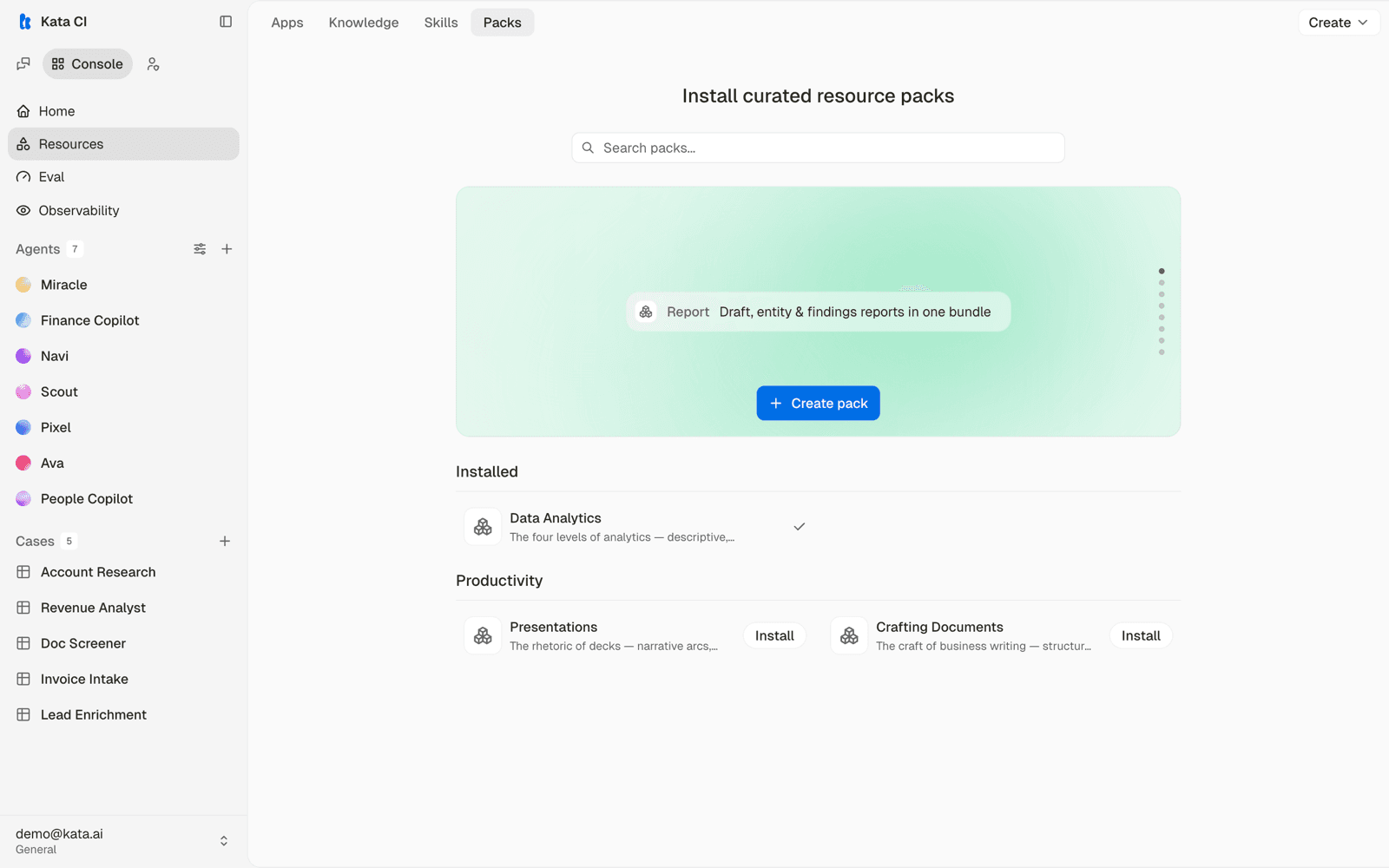
A pack bundles related skills and tools that travel together, installed as one unit from Console → Resources → Packs. Ava's Data Analytics pack, for example, brings the full analytical skill set in one install. Reach for a pack before assembling the same capabilities by hand.
Custom tools with MCP
Anything that speaks MCP can become agent tooling: internal APIs, databases, line-of-business systems. The app catalog's MCP Server entry takes a URL plus headers and connects any server that speaks the protocol. Verify the connection to see its tools, then bind it to agents like any other resource.
This is the standard route for customer-specific integrations. Your internal engineers or Frontera FDEs wrap the system in a small MCP server, and every agent in the workspace can be granted it.
Secrets
Credentials for apps and MCP servers are stored as workspace secrets, write-only after creation. Rotate them from the Console without touching agent configuration.
Grant by purpose, not by availability. The question is never "what could this agent use" but "what does this work require". Anything beyond that is risk with no return.